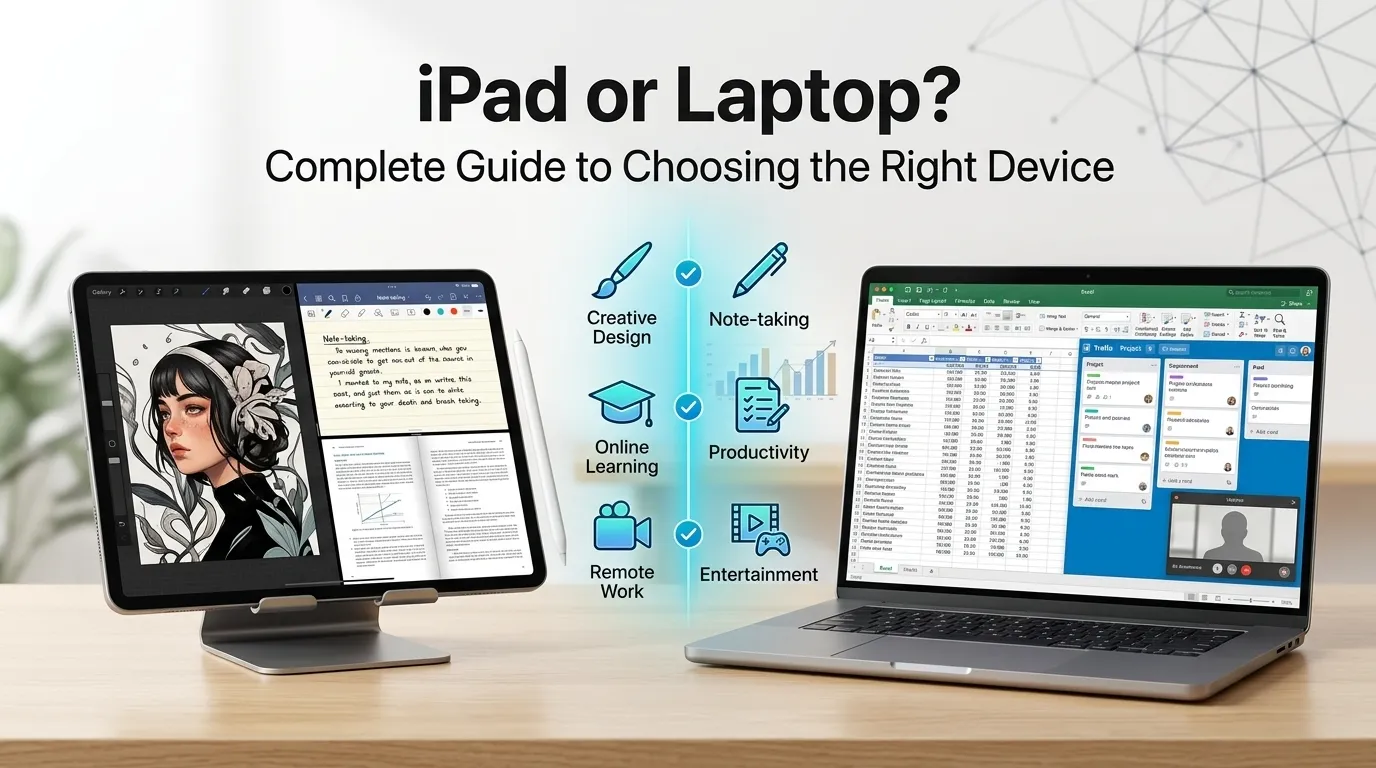
iPad or laptop? If you need serious work, multitasking, and professional software, choose a laptop. If you want portability, touch controls, entertainment, note-taking, and casual productivity, an iPad is often the better choice.
A few years ago, I faced a simple question that turned into a surprisingly difficult decision: Should I buy an iPad or a laptop?
At first, the answer seemed obvious. Laptops had always been the go-to choice for work and study. But then I started seeing students taking notes on iPads, artists creating amazing digital drawings, and professionals working from coffee shops using only a tablet and keyboard.
The more I researched, the more confusing it became.
Both devices can browse the web, watch videos, join meetings, and even handle work tasks. Yet they offer very different experiences.
If you’re trying to decide between an iPad and a laptop, you’re probably asking one key question: Which device will fit my needs best?
The answer depends on how you plan to use it.
In this guide, you’ll learn the key differences, advantages, drawbacks, and real-world use cases so you can make the right choice without wasting money.
iPad or Laptop: Quick Answer
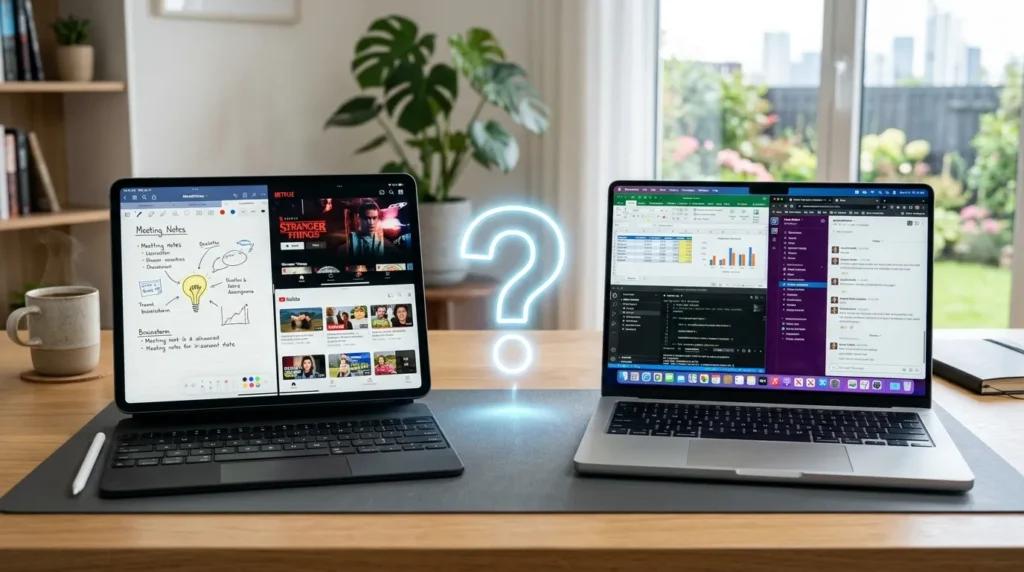
For most people who need a device for work, school, or business, a laptop remains the safer choice.
An iPad shines when portability, battery life, touch interaction, note-taking, and entertainment matter most.
Simple Examples
- A university student writing essays daily may prefer a laptop.
- A digital artist may prefer an iPad with Apple Pencil.
- A traveler who wants something lightweight may choose an iPad.
- A programmer will almost always need a laptop.
The Origin / Background of iPad or Laptop
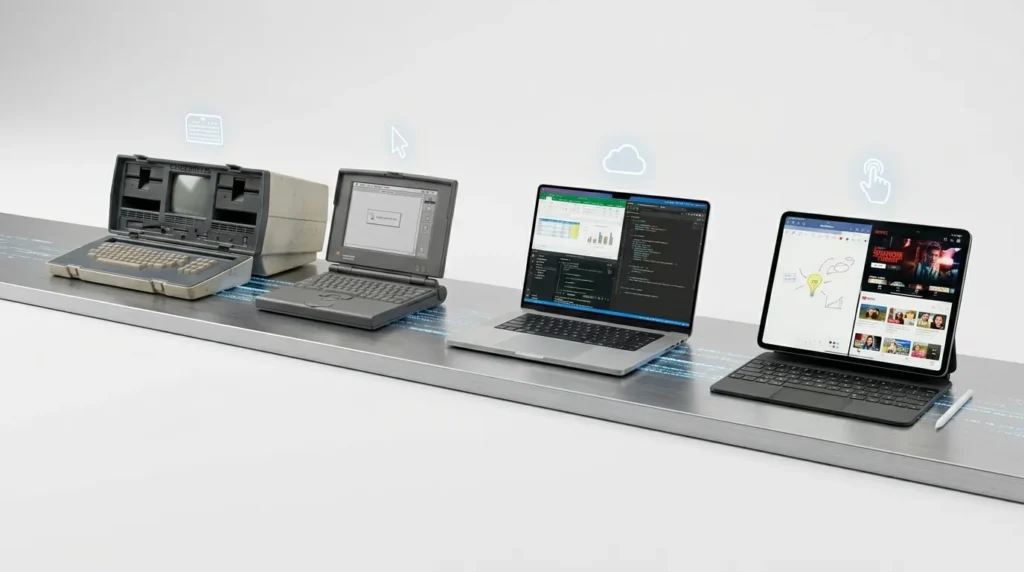
Laptops have existed since the 1980s and became the standard portable computer for work, education, and personal use.
The iPad was introduced by Apple in 2010. It created a new category between smartphones and laptops. The goal was simple: offer a larger screen than a phone while remaining more portable than a computer.
As iPads became more powerful, many people started asking whether they could replace laptops completely.
That question continues today because modern iPads now support:
- External keyboards
- Mice and trackpads
- Split-screen multitasking
- Professional apps
- Cloud storage
The line between tablets and laptops has become much less clear.
iPad or Laptop Explained: Key Differences
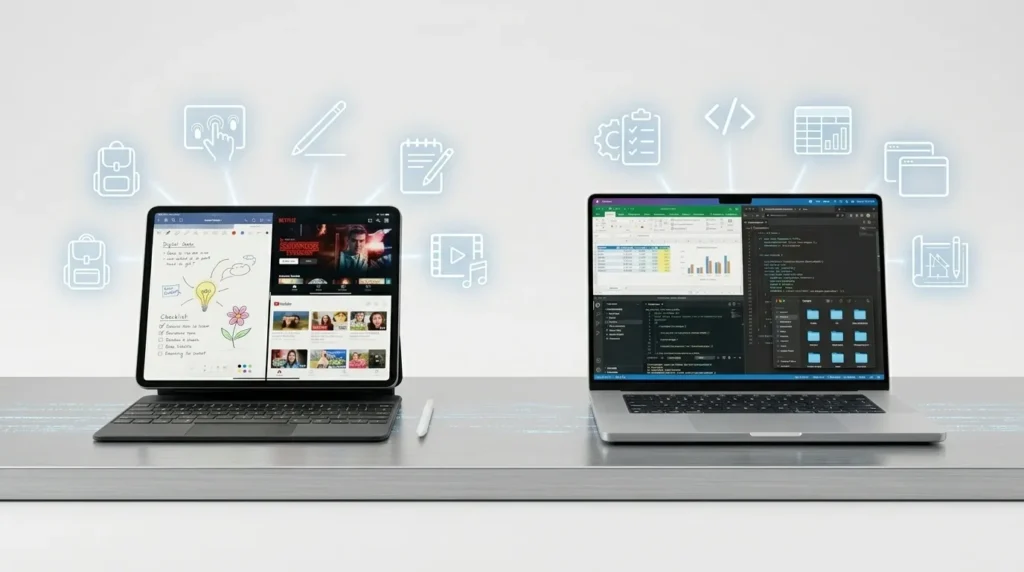
Both devices can perform many of the same tasks. However, they are designed differently.
| Device | Meaning | When to Use | Context |
|---|---|---|---|
| iPad | Touchscreen tablet running iPadOS | Portability, note-taking, media consumption | Casual and mobile users |
| Laptop | Portable computer running Windows, macOS, or Linux | Productivity, professional work, multitasking | Students and professionals |
Operating System
An iPad runs iPadOS.
A laptop runs:
- Windows
- macOS
- Linux
Laptop operating systems generally offer more flexibility.
Keyboard Experience
A laptop includes a built-in keyboard.
Most iPads require:
- An external keyboard
- A keyboard case
This can increase cost.
Software Support
Laptops support full desktop applications.
Examples include:
- Video editing suites
- Programming tools
- Engineering software
- Advanced spreadsheets
Many iPad apps are excellent, but desktop software is often more powerful.
Touchscreen and Pen Support
This is where iPads excel.
You can:
- Draw naturally
- Handwrite notes
- Annotate documents
- Create artwork
Most laptops cannot match the Apple Pencil experience.
Which Version / Approach Should You Use?

The best choice depends on your needs.
For Students
Choose an iPad if you:
- Take handwritten notes
- Read digital textbooks
- Want something lightweight
Choose a laptop if you:
- Write many essays
- Use research software
- Need advanced multitasking
For Professionals
Choose a laptop because:
- Full desktop software support
- Better multitasking
- Easier file management
- More ports and connectivity
For Artists and Designers
Choose an iPad because:
- Excellent stylus support
- Natural drawing experience
- Portable creative workflow
For Travelers
Choose an iPad because:
- Lightweight
- Long battery life
- Compact design
For Gamers
Choose a laptop because:
- Better gaming performance
- More game compatibility
- Upgrade options
Best Overall Recommendation
For maximum flexibility, choose a laptop.
For mobility and entertainment, choose an iPad.
Common Mistakes with iPad or Laptop

Many buyers make the same mistakes.
| Mistake | Better Choice |
|---|---|
| Buying an iPad for programming | Buy a laptop |
| Buying a heavy laptop for travel | Consider an iPad |
| Ignoring keyboard costs | Include accessories in budget |
| Assuming all apps work the same | Check software requirements first |
| Choosing based only on price | Focus on actual needs |
Why These Mistakes Happen
Many people compare hardware instead of comparing workflows.
The better question is:
What tasks will I perform every day?
Your answer usually reveals the right device.
iPad or Laptop in Real World Examples

Professional Email
“I prepared the quarterly report using my laptop because I needed advanced spreadsheet tools.”
News Headline
“More students are choosing the iPad for digital note-taking and online learning.”
Social Media Post
“Just replaced my old computer with an iPad and keyboard. Loving the portability!”
Formal Report
“Employees using a laptop completed complex productivity tasks more efficiently than tablet users.”
iPad or Laptop: Data, Trends & Usage
The keyword “iPad or laptop” is searched by people who are actively considering a purchase.
Search Intent
Primary intent:
- Commercial investigation
Secondary intent:
- Informational
Most Interested Audiences
- Students
- Remote workers
- Freelancers
- Travelers
- Parents buying devices for children
Common Questions
Users often search:
- Is an iPad enough for college?
- Can an iPad replace a laptop?
- Which is better for work?
- Which device offers better value?
Why This Matters Now
Modern tablets are more powerful than ever.
At the same time, laptops continue to become lighter and more portable.
Because of this, buyers must evaluate their needs carefully instead of assuming one device fits everyone.
iPad vs Laptop Comparison Table
| Term/Variant | Meaning | Region/Context | Best Used When |
|---|---|---|---|
| iPad | Apple tablet device | Mobile productivity and entertainment | Note-taking, travel, media consumption |
| Laptop | Portable computer | Work, school, business | Productivity and professional tasks |
| iPad + Keyboard | Tablet with typing accessories | Hybrid setup | Light work and portability |
| Traditional Laptop | Full computer experience | Professional environments | Heavy multitasking and software use |
Frequently Asked Questions
Q: What does iPad or laptop mean?
A: It refers to choosing between a tablet and a portable computer based on your needs, budget, and intended use.
Q: Can an iPad replace a laptop?
A: For some users, yes. If your tasks include browsing, email, note-taking, and media consumption, an iPad may be enough. For advanced work, a laptop is usually better.
Q: Which is better for students?
A: It depends on coursework. Students who write papers often prefer laptops, while those who take handwritten notes may prefer iPads.
Q: Is an iPad good for professional work?
A: Yes, for many tasks. However, some industries require desktop software that works better on laptops.
Q: Which device is better for travel?
A: An iPad is generally lighter and easier to carry. It is often the preferred choice for frequent travelers.
Q: Is an iPad cheaper than a laptop?
A: Not always. After adding a keyboard, stylus, and accessories, the total cost can be similar to a laptop.
Q: Which is better for gaming?
A: A laptop is usually the better choice because it supports more games and offers stronger performance.
Conclusion
Choosing between an iPad or laptop comes down to how you plan to use your device every day.
If your focus is productivity, professional software, multitasking, programming, or business tasks, a laptop remains the strongest option. It offers flexibility, power, and compatibility that most professionals need.
If portability, battery life, note-taking, entertainment, and touch controls matter more, an iPad can be an excellent choice. It is lightweight, convenient, and surprisingly capable for many everyday tasks.
Before buying, think about your daily workflow rather than the device itself. The right choice is the one that helps you complete your tasks easily and comfortably.
Now you know exactly how to choose between an iPad or laptop. Bookmark this guide so you can make the right decision with confidence.
Read more: Sandy or Weather: Complete Guide

I am an English language writer dedicated to creating clear, accurate, and easy-to-understand content. My goal is to help readers build confidence in their language and communication skills.