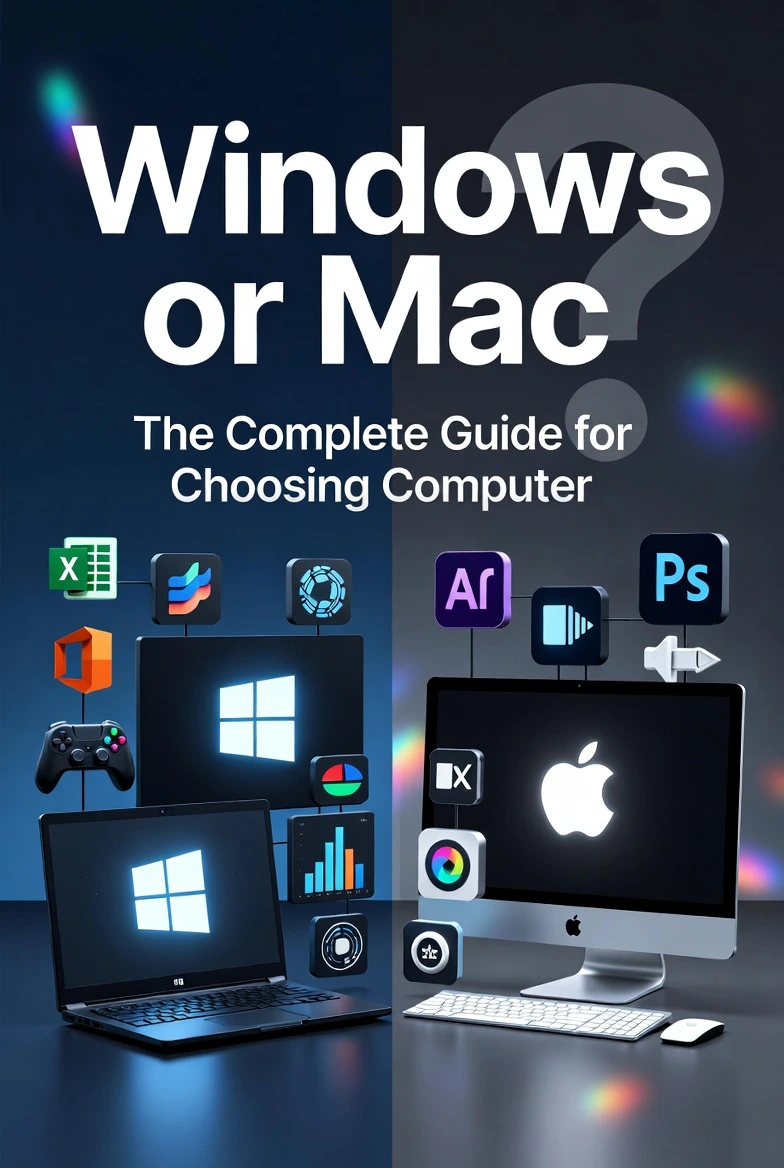
Windows is best for flexibility, gaming, and affordability, while Mac is best for simplicity, performance, and integration with Apple devices. Gamers often choose Windows PCs, while many designers and video editors prefer Macs.
A few years ago, I needed a new laptop. Like many people, I faced the classic question: Windows or Mac?
At first, the answer seemed simple. Then I started comparing prices, software, performance, and daily use. The more I researched, the more confusing it became.
Many buyers face the same problem. Both Windows and Mac computers are powerful. Both can handle work, study, entertainment, and creative tasks. Yet each platform has strengths and weaknesses that can make a huge difference in your experience.
That’s why people search for “Windows or Mac” every day. They want to know which system fits their needs, budget, and lifestyle.
If you’re a student, professional, gamer, creator, or casual user, this guide will help you make the right choice. By the end, you’ll know exactly which platform deserves your money and why.
Windows or Mac: Quick Answer
If you want more hardware choices, lower prices, and excellent gaming support, choose Windows.
If you want a smooth user experience, strong security, and seamless integration with Apple products, choose Mac.
Simple Examples
- A student on a tight budget may choose a Windows laptop.
- A graphic designer using creative software may prefer a Mac.
- A gamer will usually get better options with Windows.
- An iPhone user may enjoy the Apple ecosystem offered by Mac.
The best choice depends on what you do every day.
The Origin: Background of Windows or Mac
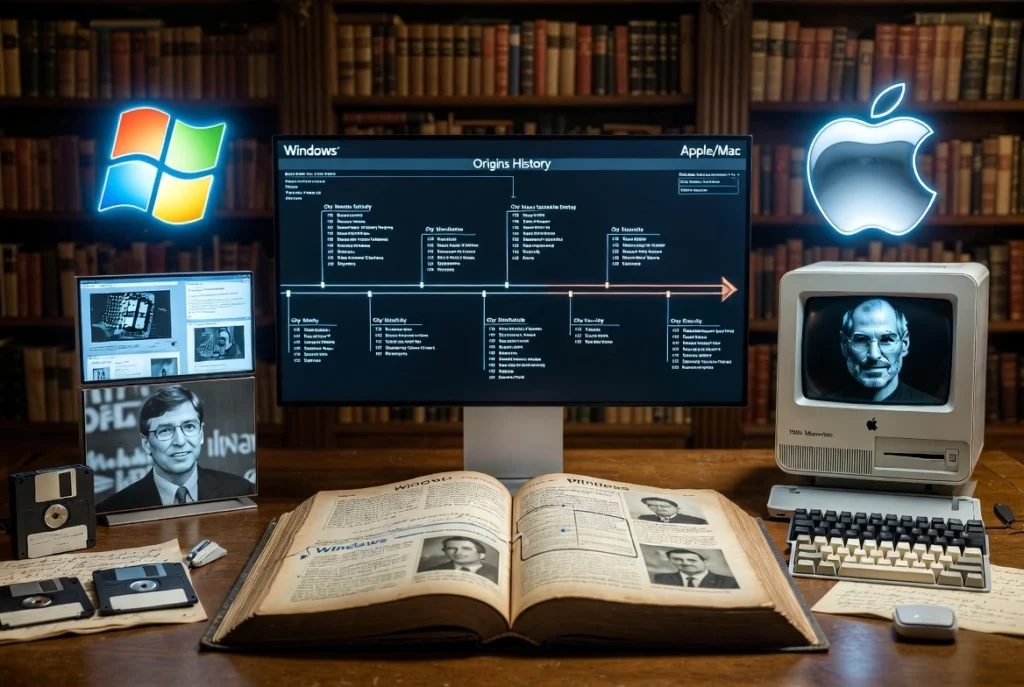
The Windows vs Mac debate has existed for decades.
Windows
Microsoft launched Windows in 1985. It became popular because many computer manufacturers could install it on their devices.
This created a huge market with thousands of different computers at different prices.
Mac
Apple introduced the Macintosh in 1984.
Unlike Microsoft, Apple controlled both the hardware and software. This allowed Apple to create a more unified experience.
Why the Confusion Exists
People often hear conflicting opinions:
- “Macs are better.”
- “Windows offers more value.”
- “Macs never get viruses.”
- “Windows is only for gamers.”
Some of these statements contain partial truth, while others are outdated. Modern Windows PCs and modern Macs are both excellent, which makes choosing harder than ever.
Windows or Mac Explained: Key Differences
Comparison Table
| Term | Meaning | When to Use | Region/Context |
| Windows | Operating system by Microsoft | Gaming, business, budget-friendly computing | Worldwide |
| Mac | Apple computers running macOS | Creative work, Apple ecosystem, simplicity | Worldwide |
| Windows PC | Computer from various manufacturers | Flexible hardware choices | Common globally |
| MacBook/iMac | Apple-built computers | Premium experience and integration | Popular among professionals |
Hardware Options
Windows
- Hundreds of laptop choices
- Many price ranges
- Custom-built desktop options
- Easy upgrades on many models
Mac
- Limited product lineup
- Premium pricing
- High-quality build materials
- Fewer upgrade options
Software Compatibility
Windows
- Supports most business software
- Strong gaming support
- Large software library
Mac
- Excellent creative applications
- Strong productivity tools
- Some specialized programs may not be available
Gaming
Windows is the clear winner.
Most PC games are designed for Windows first. Many games never arrive on Mac.
Security
Mac computers have a strong reputation for security.
However, modern Windows security has improved dramatically.
For most users:
- Keep software updated.
- Use strong passwords.
- Avoid suspicious downloads.
Either platform can be secure.
Ecosystem
Apple shines here.
If you own:
- iPhone
- iPad
- Apple Watch
- AirPods
A Mac works seamlessly with them.
Windows works with many devices too, but integration is often less polished.
Which Version Should You Use?
For Students
Choose Windows if:
- Budget matters
- You need affordable options
- Your school software requires Windows
Choose Mac if:
- You already own Apple devices
- You want a laptop with excellent battery life
For Gamers
Choose Windows.
Reasons:
- Larger game library
- Better graphics card options
- More upgrade choices
For Creative Professionals
Choose Mac if you:
- Edit videos
- Design graphics
- Produce music
Many creative professionals appreciate macOS stability and Apple’s hardware optimization.
For Business Users
Either platform works well.
Choose Windows if your workplace relies heavily on Microsoft software.
Choose Mac if your company uses Apple products and creative workflows.
For General Users
Both are excellent.
Pick Windows for flexibility.
Pick Mac for simplicity.
Common Mistakes with Windows or Mac
Mistake 1: Assuming Macs Never Get Viruses
❌ Macs cannot get malware.
✅ Macs can get malware, but they are generally targeted less often.
Why it happens: This myth has been repeated for years.
Mistake 2: Thinking Windows Is Always Cheaper
❌ Every Windows laptop is affordable.
✅ Some Windows laptops cost more than premium Macs.
Why it happens: People compare only entry-level models.
Mistake 3: Buying a Mac for Gaming
❌ Mac is the best gaming platform.
✅ Windows remains the top choice for gamers.
Why it happens: Buyers focus on hardware quality instead of game compatibility.
Mistake 4: Ignoring Software Requirements
❌ Any computer can run any program.
✅ Some software works better on one platform.
Why it happens: Buyers research hardware but forget software.
Mistake 5: Choosing Based on Brand Alone
❌ Buy the most popular brand.
✅ Buy the computer that fits your needs.
Why it happens: Marketing often influences decisions.
Windows or Mac in Real-World Examples
Professional Email
“Please ensure the software is compatible with both Windows and Mac systems before deployment.”
News Headline
“Students Continue Debating Windows or Mac for University Work.”
Social Media Post
“Just switched from Windows to Mac and the battery life is amazing!”
Formal Report
“The company supports both Windows and Mac devices across all departments.”
Windows or Mac: Data, Trends & Usage
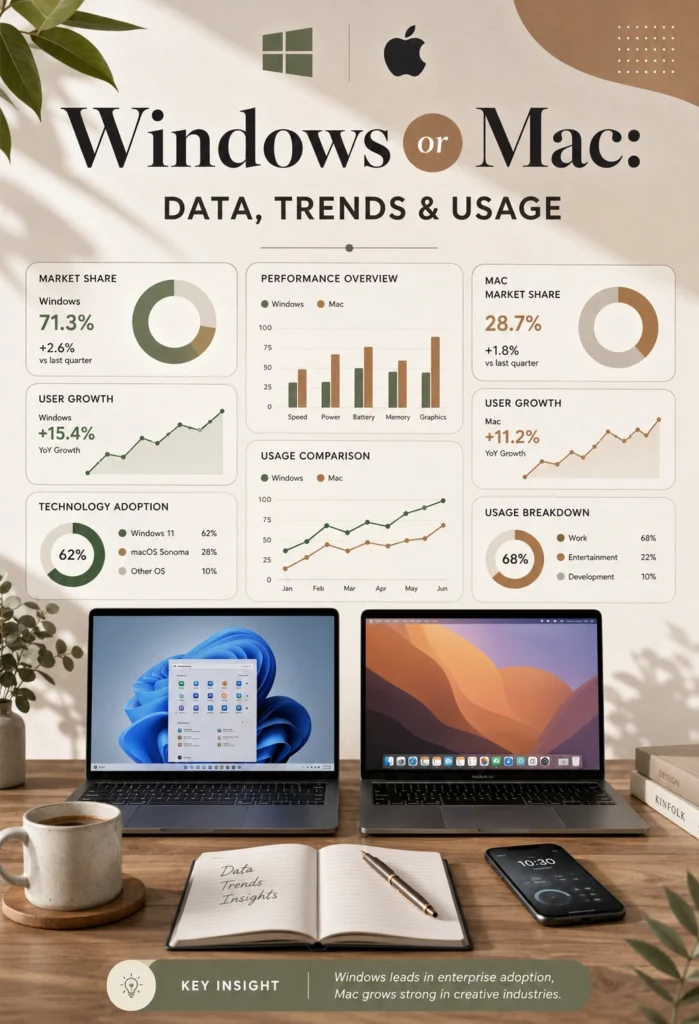
The keyword “Windows or Mac” remains one of the most searched computer comparison topics online.
Popular Search Audiences
- Students
- Remote workers
- Gamers
- Creative professionals
- First-time laptop buyers
Search Intent
Primary intent:
Informational
People want guidance before making a purchase.
Regions with High Interest
- United States
- United Kingdom
- Canada
- Australia
- India
- Pakistan
Why It Matters Today
Remote work, online education, content creation, and gaming continue to grow. As a result, choosing the right computer has become more important than ever.
Windows or Mac: Standalone Comparison Table
| Term/Variant | Meaning | Region/Context | Best Used When |
| Windows | Microsoft’s operating system | Global | Gaming, business, flexibility |
| Mac | Apple’s computer platform | Global | Creative work and Apple ecosystem |
| Windows Laptop | Laptop running Windows | Students, professionals | Budget and customization matter |
| MacBook | Apple laptop running macOS | Professionals and creators | Premium experience desired |
| Windows Desktop | Desktop PC with Windows | Gaming and productivity | Upgradeability is important |
| iMac | Apple’s desktop computer | Home and office use | Simplicity and design matter |
Frequently Asked Questions
Q: What does Windows or Mac mean?
A: It refers to choosing between Microsoft’s Windows operating system and Apple’s macOS platform. Both power millions of computers worldwide.
Q: How do you choose between Windows and Mac correctly?
A: Focus on your needs. Gamers often prefer Windows, while many Apple users enjoy Mac’s seamless ecosystem.
Q: Windows vs Linux — what’s the difference?
A: Windows is the most widely used consumer operating system. Linux is open-source and often preferred by developers and advanced users.
Q: Is Mac acceptable for professional work?
A: Yes. Macs are widely used in design, video editing, software development, and business environments.
Q: Which version is correct — Windows or Mac?
A: Neither is universally better. The correct choice depends on your budget, software needs, and daily tasks.
Q: Where does the Mac platform come from?
A: Apple introduced the Macintosh computer in 1984. It later evolved into today’s Mac product line.
Q: Can Windows or Mac be used for school and university work?
A: Yes. Both platforms handle writing, research, presentations, and online learning very well.
Conclusion
The Windows or Mac debate continues because both platforms offer excellent experiences.
Here are the key takeaways:
- Windows provides more hardware choices and stronger gaming support.
- Mac delivers a polished experience and seamless Apple integration.
- Students and budget-conscious buyers often lean toward Windows.
- Creative professionals frequently choose Mac for workflow and performance.
There is no single winner for everyone.
The smartest approach is to look at your budget, software requirements, and daily habits. A gamer may love Windows, while an iPhone user may never want to leave the Mac ecosystem.
Once you match the computer to your needs, the decision becomes much easier.
Now you know exactly how to choose between Windows or Mac. Bookmark this guide for future reference and share it with anyone struggling to decide between the two platforms.
Read more: Since or Sense: The Easy Guide to Using Them Correctly

I am an English author, language explorer dedicated to analyzing words, phrases, and idioms. Through my writing, I uncover subtle language differences and help readers improve their communication skills. My content helps readers navigate English with clarity and confidence.